Ödsmålskurvan
A downloadable game for Windows
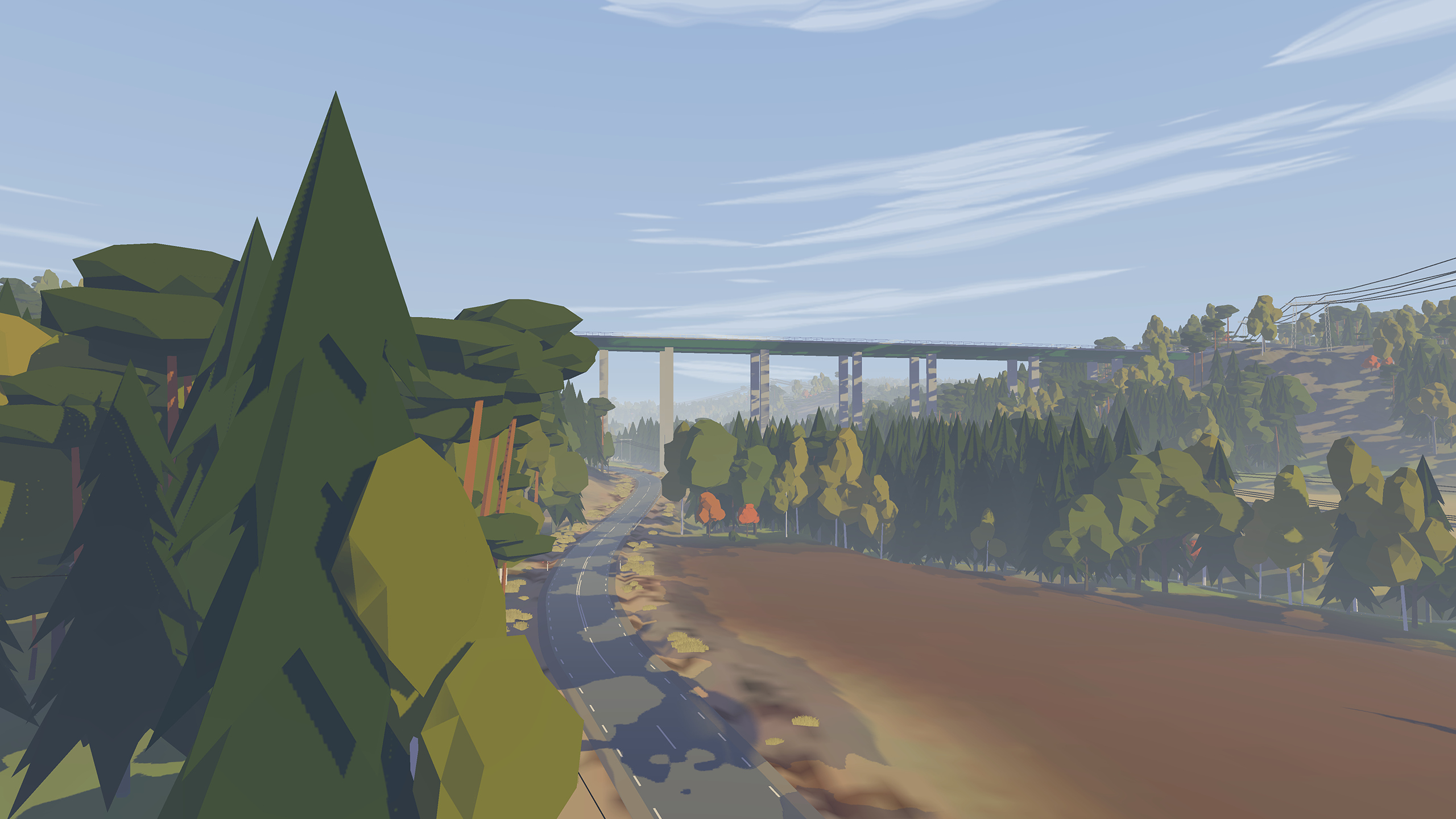
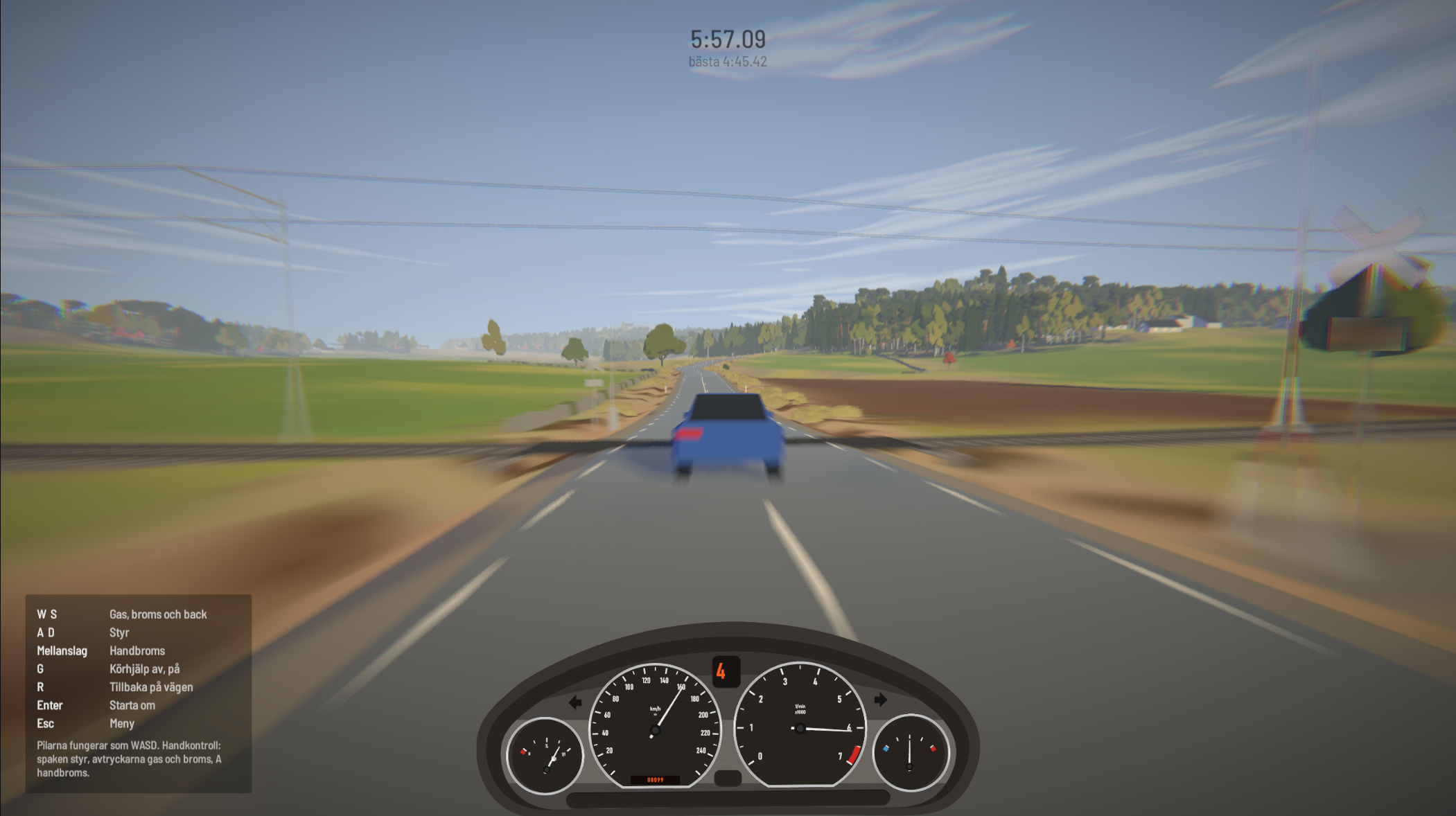
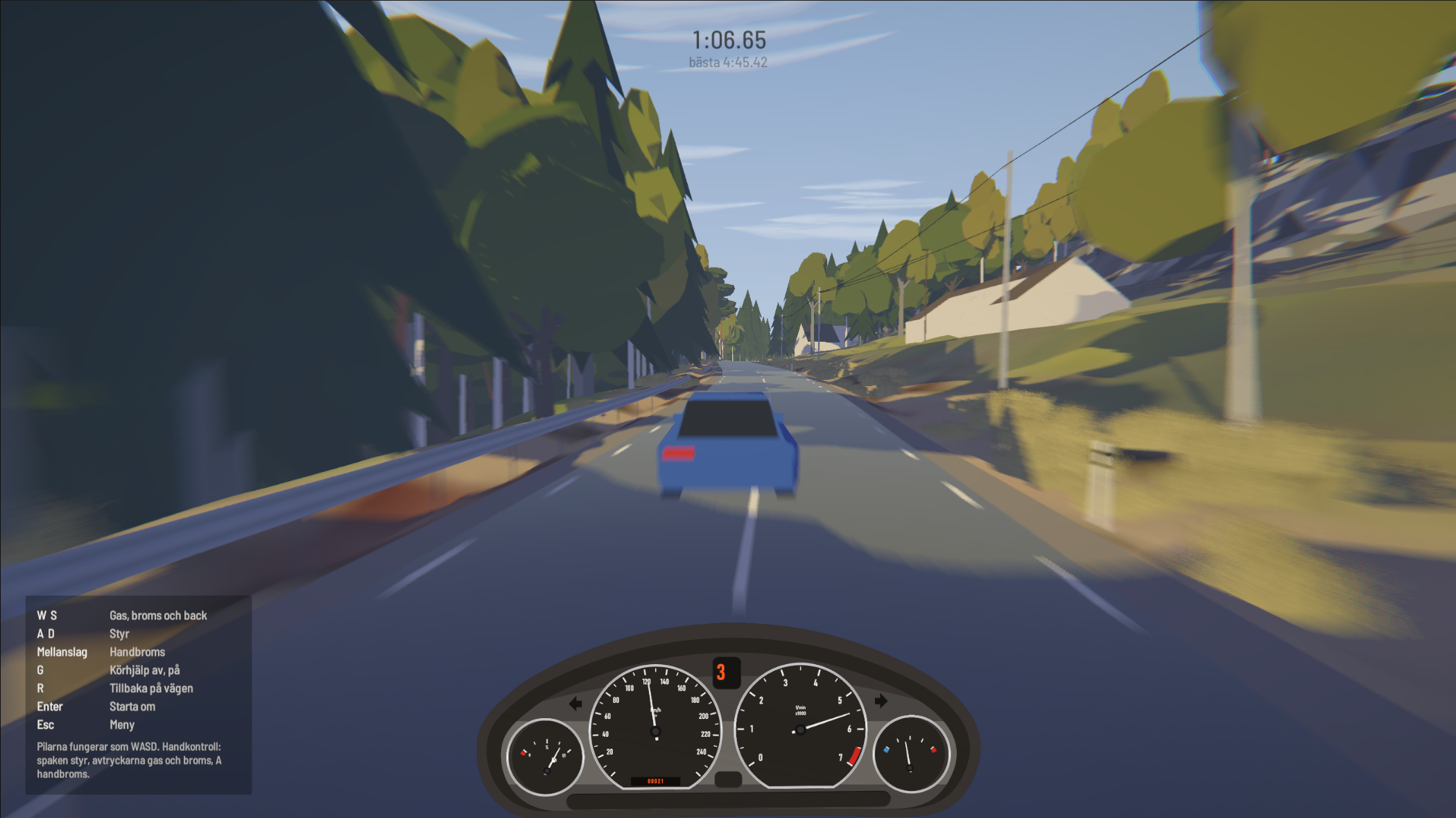
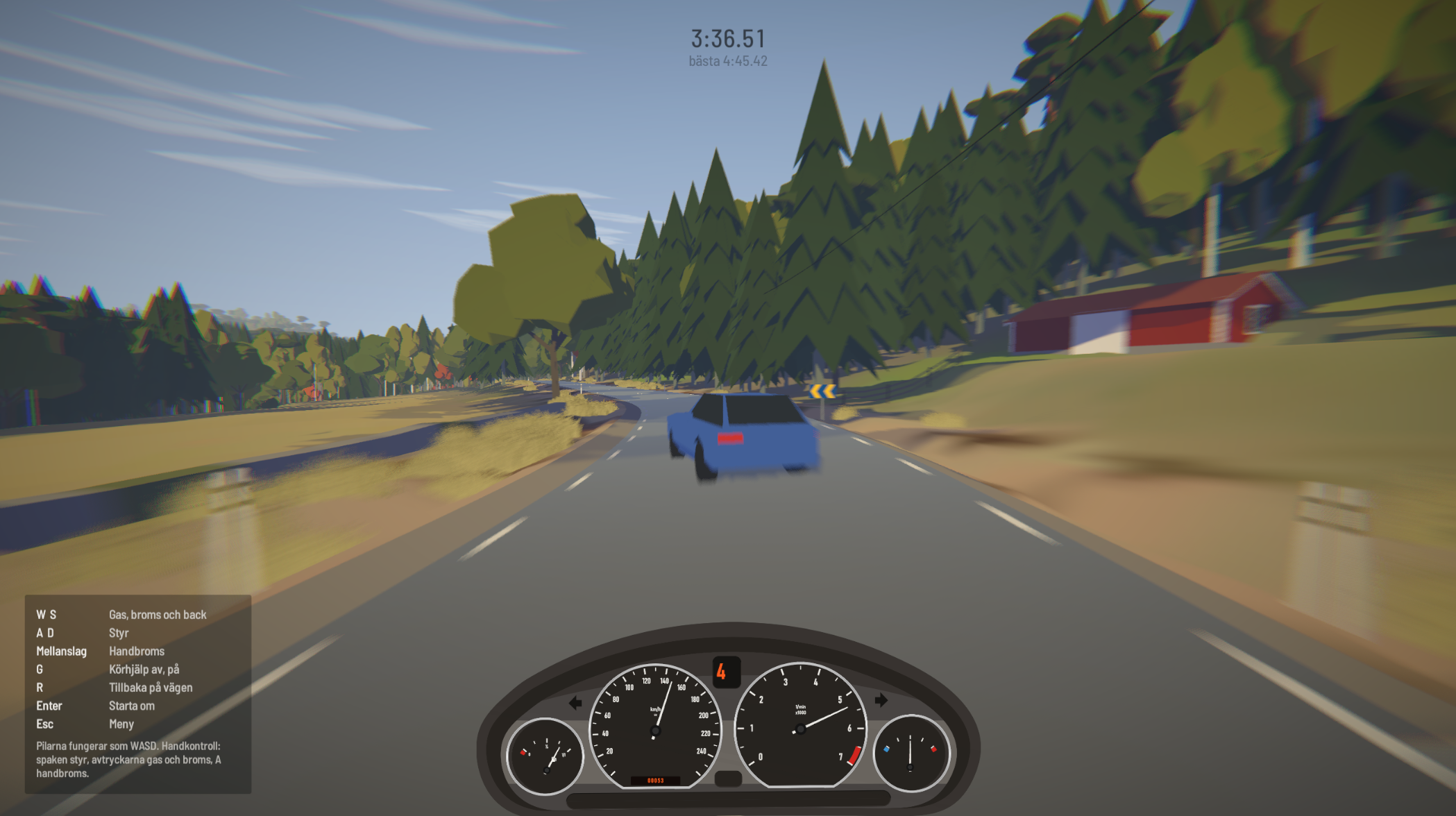
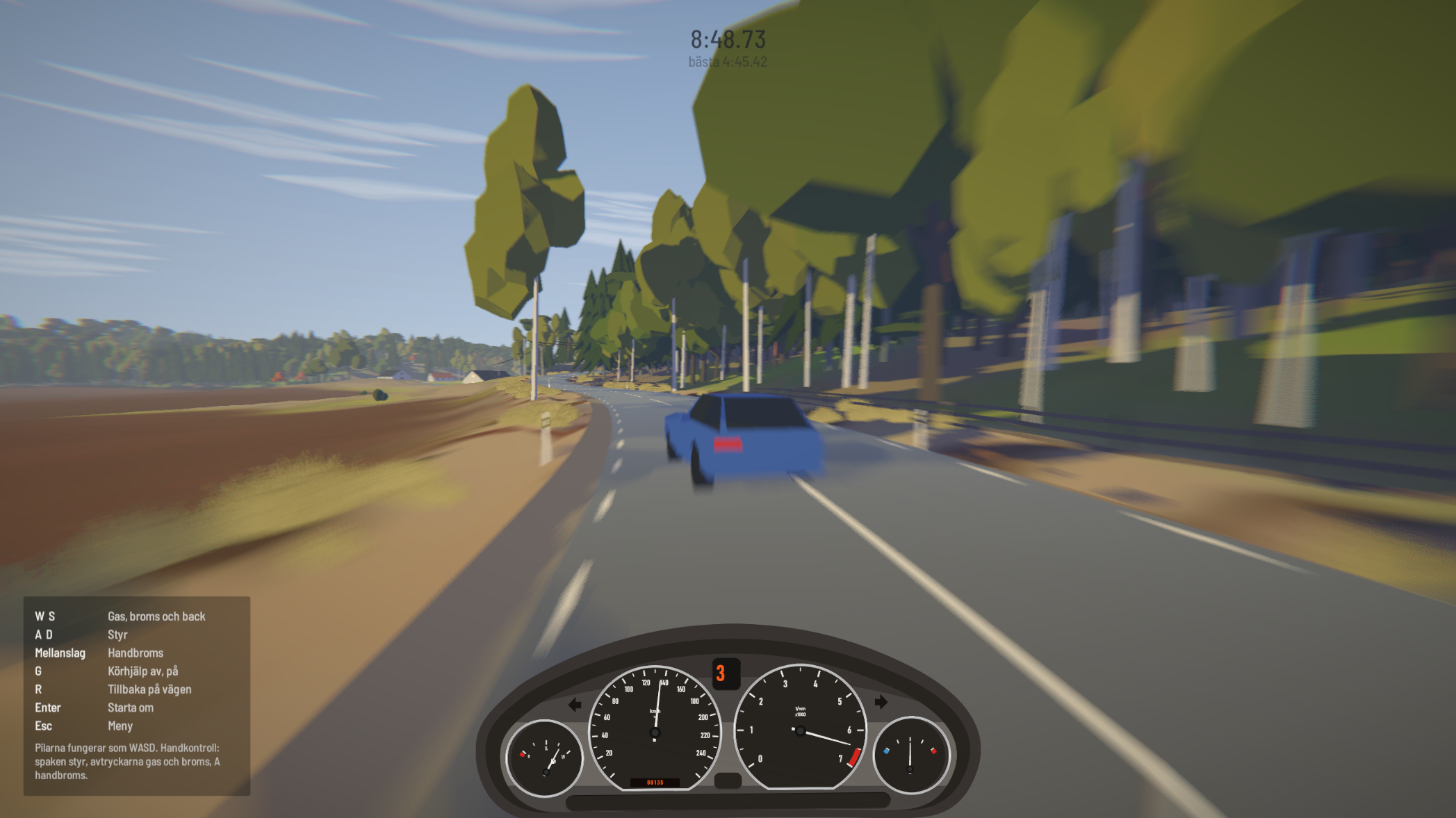
Det här spelet kom ur en hemlängtan till min Z3 Coupé (clownskon). Det är en realistisk simulator som är skräddarsydd för Z3 Coupéns kördynamik, med bland annat en simulerad differentialspärr på 25 %.
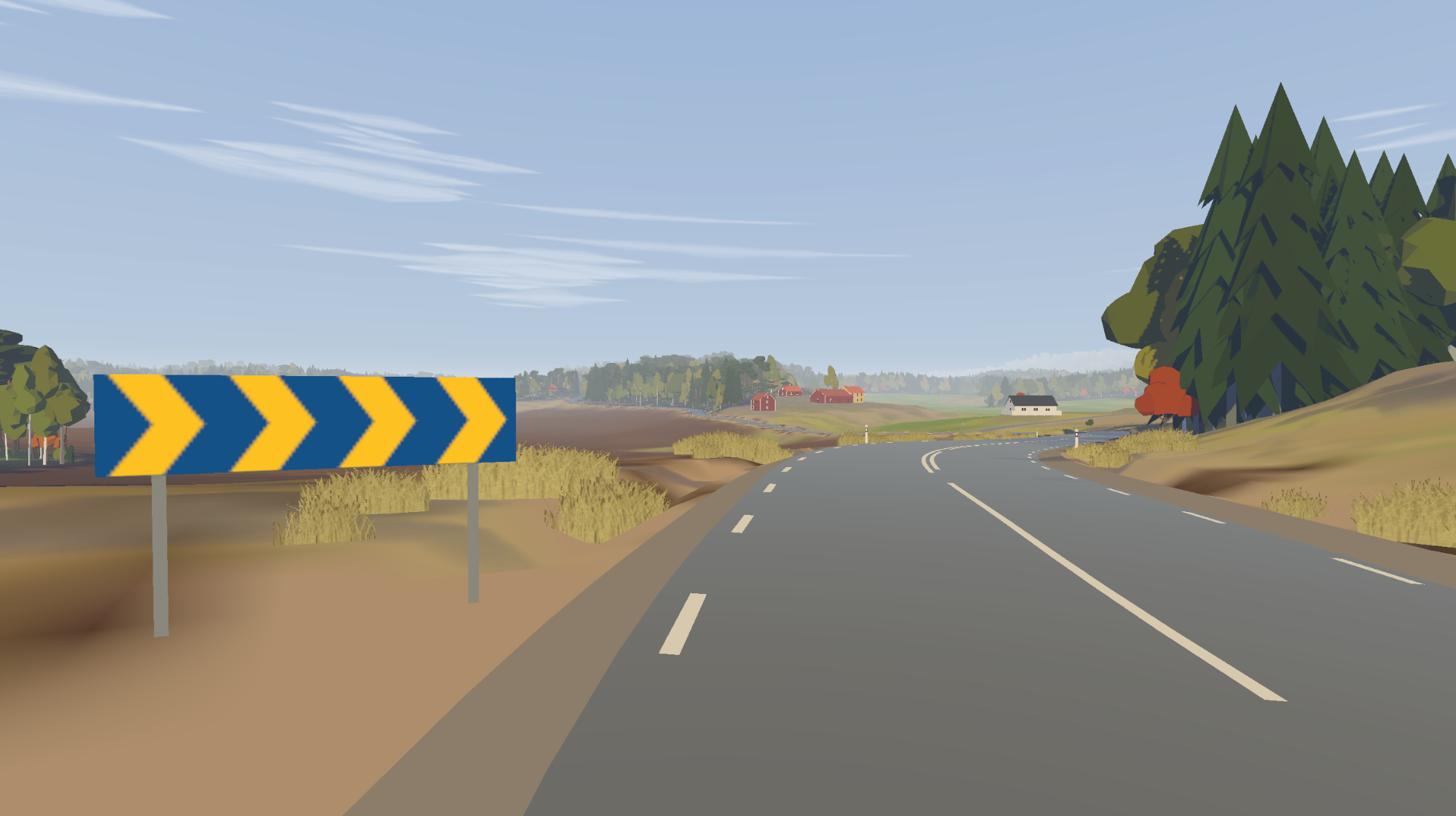
Kartan är en direkt kopia av sträckan mellan Ödsmål och Grinneröd i Stenungsund, en ort i Bohuslän. Den är byggd med hjälp av Lantmäteriets kartdata, och allt från vegetationen till enskilda hus är placerat efter verkligheten.
Spelet är nästan helt gjort med AI och är fortfarande ett första utkast, så många detaljer stämmer inte helt och det kan finnas buggar. Hoppas du gillar det!
English
This game grew out of missing my Z3 Coupé (the “clown shoe”). It’s a realistic simulator tailored to the Z3 Coupé’s handling, including a simulated 25% limited-slip differential.
The map is a direct copy of the road between Ödsmål and Grinneröd in Stenungsund, a town in Bohuslän on Sweden’s west coast. It’s built from Lantmäteriet’s (the Swedish mapping authority) map data, and everything from the vegetation to individual houses is placed where it is in real life.
The game is almost entirely made with AI and is still a first draft, so plenty of details aren’t quite right and you may run into bugs. Hope you enjoy it!
Download
Install instructions
Svenska
- Ladda ner zip-filen och packa upp hela mappen (högerklicka → Extrahera alla). Kör inte spelet direkt inifrån zip-filen.
- Öppna mappen och dubbelklicka på .exe-filen för att starta spelet.
- Windows kan visa varningen “Windows skyddade datorn”, eftersom spelet inte är signerat. Klicka på Mer info → Kör ändå.
Behåll alla filer i mappen tillsammans. Spelet behöver mappen _Data och filen UnityPlayer.dll bredvid .exe-filen för att starta.
English
- Download the .zip file and extract the whole folder (right-click → Extract All). Don’t run the game from inside the zip.
- Open the folder and double-click the .exe file to start the game.
- Windows may show a “Windows protected your PC” warning, because the game isn’t signed. Click More info → Run anyway.
Keep all files in the folder together. The game needs the _Data folder and UnityPlayer.dll next to the .exe to run.
Leave a comment
Log in with itch.io to leave a comment.